How to Make a Graduation Photo Collage (Class of 2026)
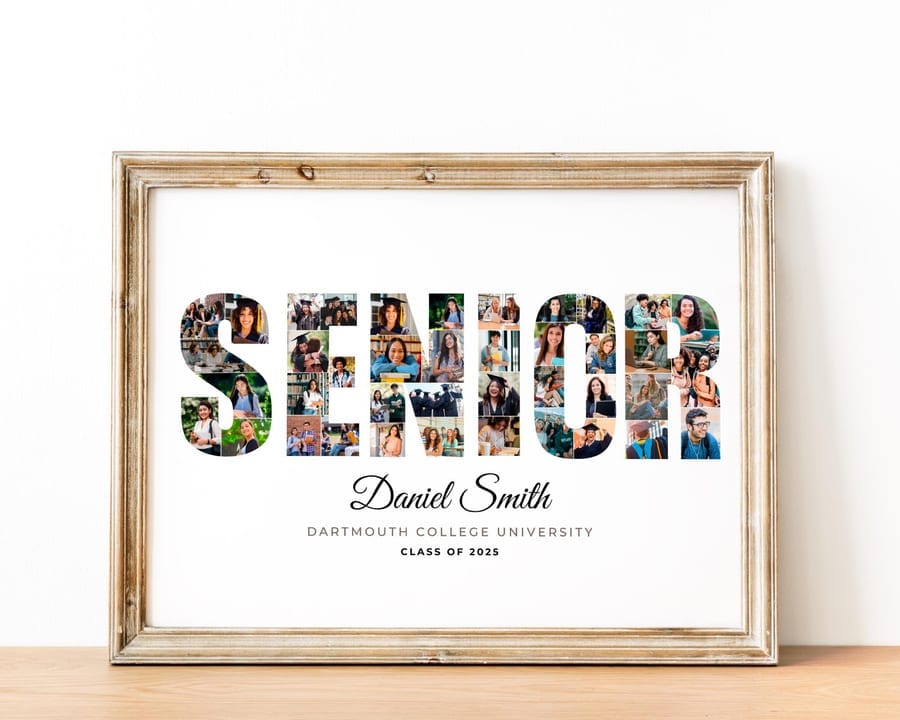
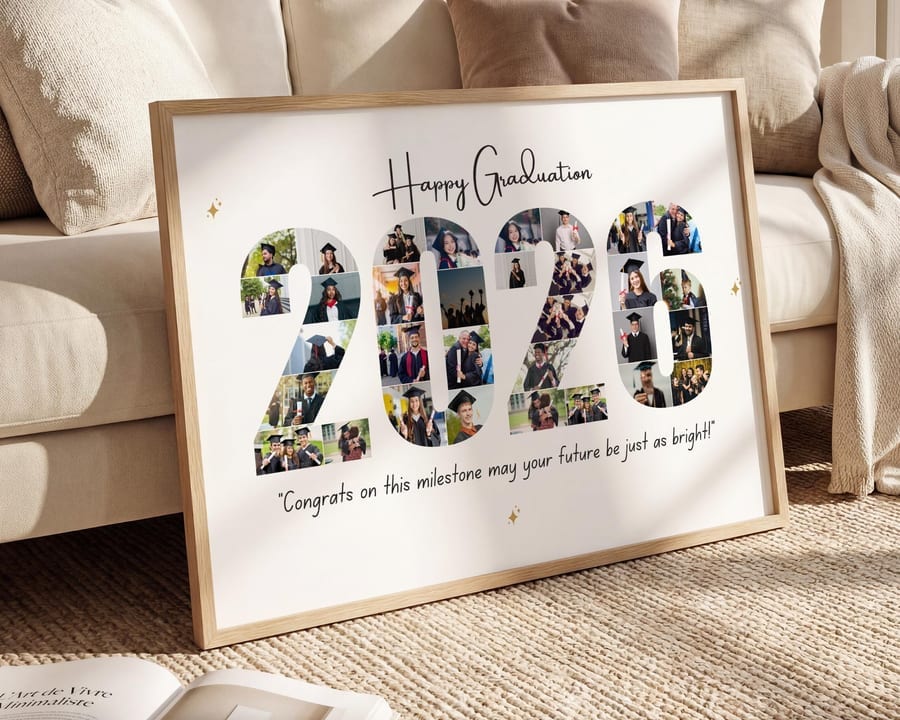
A graduation photo collage turns years of school — kindergarten through the cap-and-gown — into one keepsake and a party centrepiece the grad actually keeps. It might be a grad cap filled with photos, the word SENIOR, or “Class of 2026” spelled out in pictures. This guide shows the easy way to make one in Canva for a high school, college, or even kindergarten graduation.
Pick a graduation design
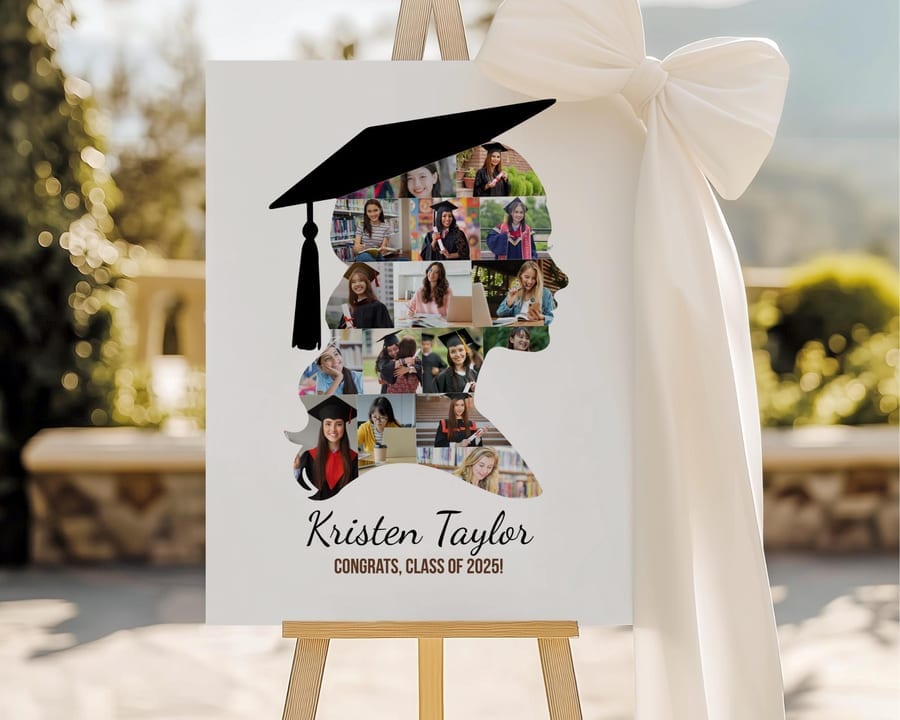
Grad cap. Photos masked into a graduation cap — instantly reads as graduation.
SENIOR or the grad’s name. Each letter filled with photos from the years — great for senior year.
Class of 2026 sign. A poster with the year, the graduate’s name and school — perfect as party decor and a welcome sign.
The year in numbers. “2026” spelled out and filled with photos.
Each starts from an editable graduation collage template, so the shape and photo slots are already built.
How to make it (4 steps)
1. Open the template in Canva. Click your template link to open an editable copy — a free Canva account is all you need.
2. Add the photos. Upload photos under Uploads — mix early school years, milestones, friends, and cap-and-gown shots — then drag each into a slot in the cap, letters, or grid.
3. Add the details. Type the graduate’s name, school, and “Class of 2026,” plus a short message like “Congrats, Grad!”
4. Download. Export as PDF Print or a large PNG so it prints sharp for the party or framing — see the printing guide.
Great for the grad party & senior gifts
Grad party decor — a Class of 2026 collage doubles as a welcome sign and photo display guests love.
Senior night & senior gifts — a SENIOR or grad-cap design of the whole four years. For sports seniors, see our senior night gift guide.
Kindergarten & preschool graduation — little-grad designs make a sweet first-milestone keepsake.
For the year spelled out as a shape, see how to make a number photo collage.
How many photos and which to pick
A grad cap or number shape usually holds 20–40 photos; a poster grid holds fewer, larger ones — the template tells you the exact count. Spread them across the school years so it tells a story, from the first day to the last.
Use the largest version of each photo and keep faces centred so cropping into a shape looks clean. For the full rundown, see how to choose photos for a collage.
Frequently asked questions
How do I make a graduation photo collage?
The easiest way is a template shaped like a grad cap, the word SENIOR, or a Class of 2026 sign. Open it in Canva, drag your photos into the slots, add the graduate’s name and year, and download a print-ready file.
Can I make a Class of 2026 graduation collage?
Yes — templates are ready for the current year, and you can edit the year, name, and school so it says exactly “Class of 2026” or any year you need.
What’s a good graduation gift or party decor?
A personalized graduation photo collage — a grad cap or Class of 2026 design filled with photos — works as both a keepsake gift and a party welcome sign or photo display.
Does this work for kindergarten or preschool graduation?
Yes — there are designs made for little grads, so the same easy steps work for kindergarten and preschool graduations right up through college.
How many photos go in a graduation collage?
A cap or number shape often holds 20–40 photos; a poster grid holds fewer, larger ones. Each template lists its exact photo count.