How to Print a Photo Collage (Home, Print Shop & Online)
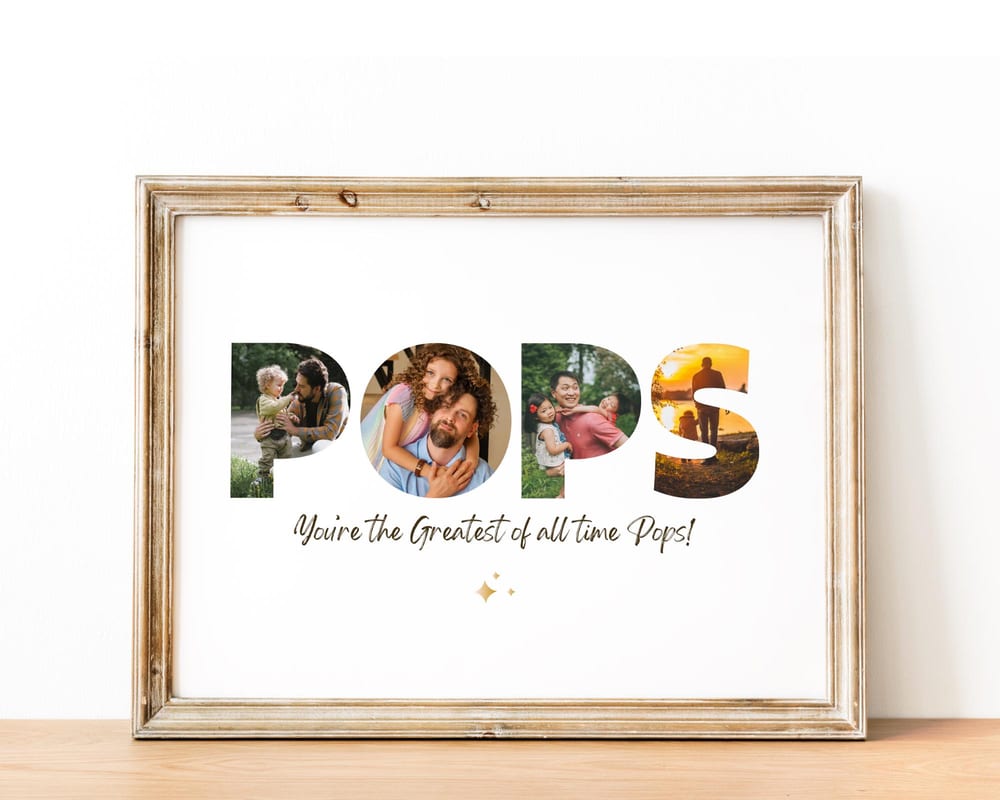
A photo collage is only as good as its print. Get the file and the size right and it looks like wall art; get them wrong and it prints blurry or cropped. This guide covers both — how to export a print-ready file, and the three best ways to actually print it: at home, at a local shop, or online.
It works for any collage you’ve made or downloaded, including the editable templates in our shop.
Step 1: Export a print-ready file
Choose the right format. For the sharpest result, export as a PDF Print or a high-resolution PNG/JPG. In Canva that’s Share → Download → PDF Print (or PNG at the largest size).
Match the size to how you’ll print it. Design at the final print size — a wall print is commonly 16×20 in or A2; a desk frame might be 8×10 in. Setting the size before you export avoids stretching or cropping later.
Check the resolution. Aim for 300 DPI at print size for a crisp result. A collage exported at 2000 px or larger prints cleanly at common frame sizes.
Step 2: Pick where to print
At home — good for small sizes (up to about 8×10 in) on a decent inkjet with photo paper. Cheapest and instant, but color and large sizes are hard to get right.
At a local print shop — the sweet spot for larger wall prints. Bring the PDF on a USB or email it; ask for photo or matte poster stock at your chosen size. You see the result same-day and can reprint if the color is off.
Online print services — services like an online photo printer or poster site handle large sizes and ship framed options to your door. Upload the file, choose the size and paper, and order.
Step 3: Frame it
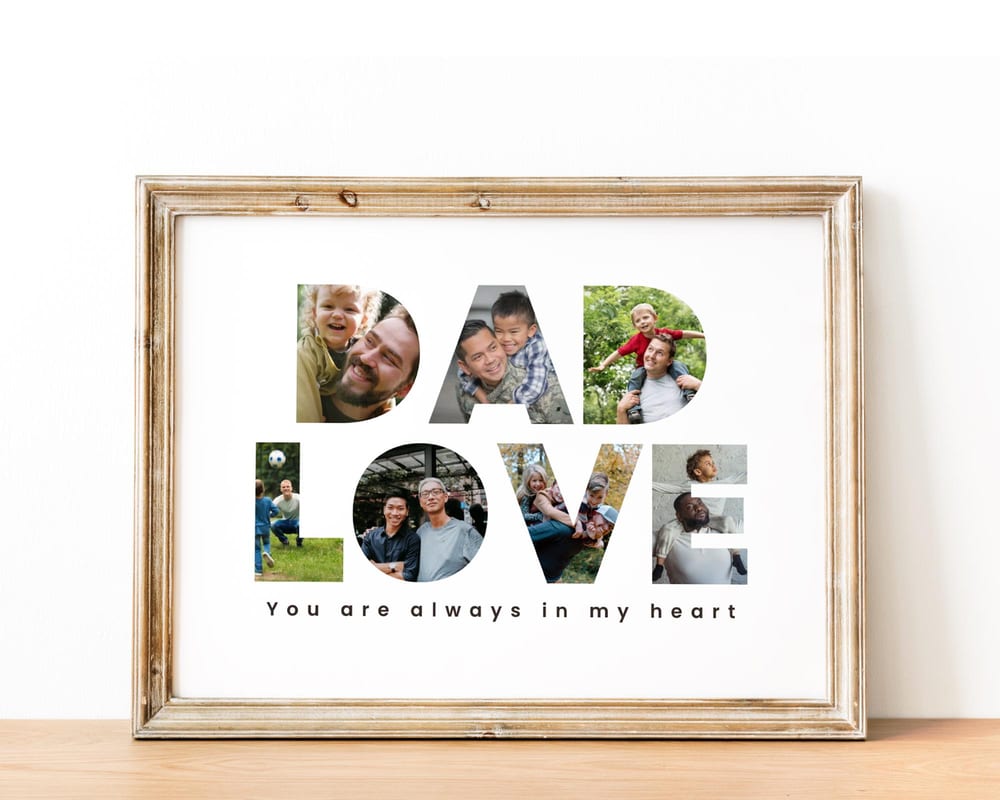
Print to a standard frame size (8×10, 11×14, 16×20 in, or A-sizes) so you can drop it into an off-the-shelf frame — no custom framing needed. This is why designing at a standard size in Step 1 matters.
A simple wood or black frame keeps the focus on the photos. Add a mat board for a gallery look if the frame allows it.
Common printing mistakes to avoid
Printing a small file large. Blowing up a low-resolution export is the #1 cause of blurry collages. Start large.
Wrong aspect ratio. If your design is 4:5 and the frame is 4:6, the shop will crop it. Match the design to the frame.
Skipping a test at home. For a big order, print a small draft first to check the colors and text before you commit.
Starting from an editable template makes this easy — many are pre-sized for standard frames, so you export and print with no guesswork.
Frequently asked questions
What file format is best for printing a photo collage?
PDF Print gives the sharpest result. A high-resolution PNG or JPG (2000 px or larger, ideally 300 DPI at print size) also prints cleanly.
What size should I print a photo collage?
For a wall print, 16×20 in or A2 is popular; for a desk, 8×10 in. Design at a standard frame size so you can use an off-the-shelf frame.
Can I print a photo collage at home?
Yes, for smaller sizes on photo paper with a good inkjet. For large wall prints, a local print shop or online service gives better color and sharpness.
Where can I print a large photo collage?
A local print shop is ideal for same-day large prints; online poster and photo services can print big sizes and ship framed options to you.