How to Choose Photos for a Collage (How Many & What Size)
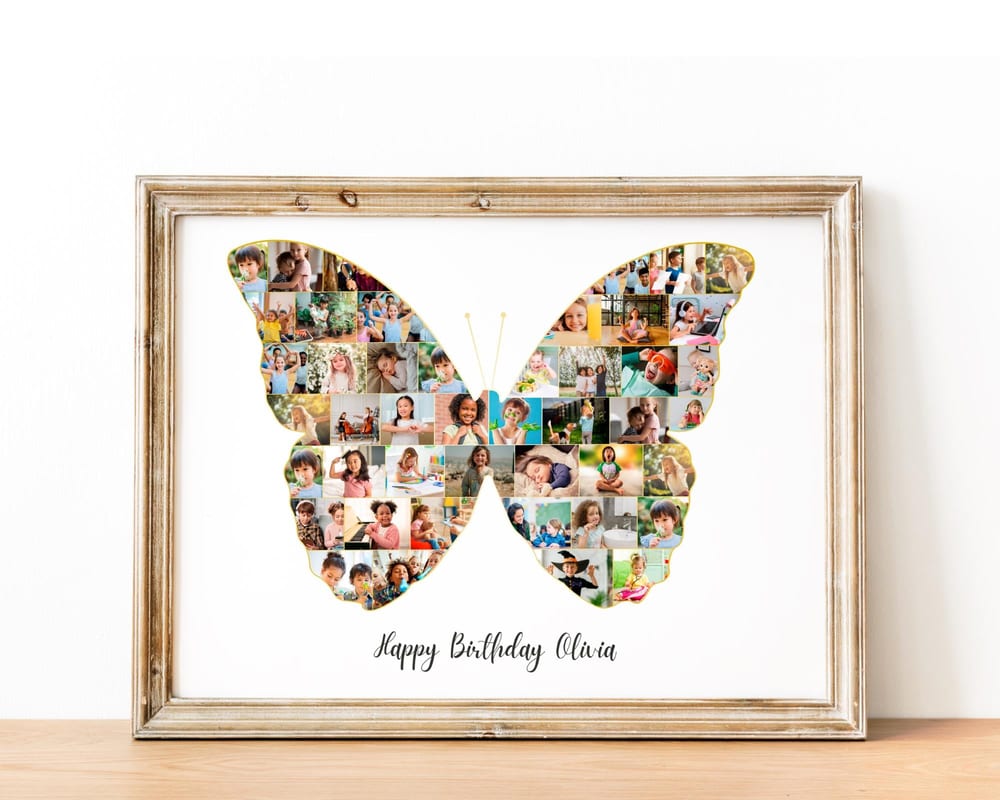
The photos make or break a collage. Get the count, the quality, and the mix right and it looks like intentional wall art; get them wrong and it looks cluttered or prints blurry. This quick guide answers the three questions people ask most: how many photos you need, what resolution to use, and which photos to pick.
How many photos do you need?
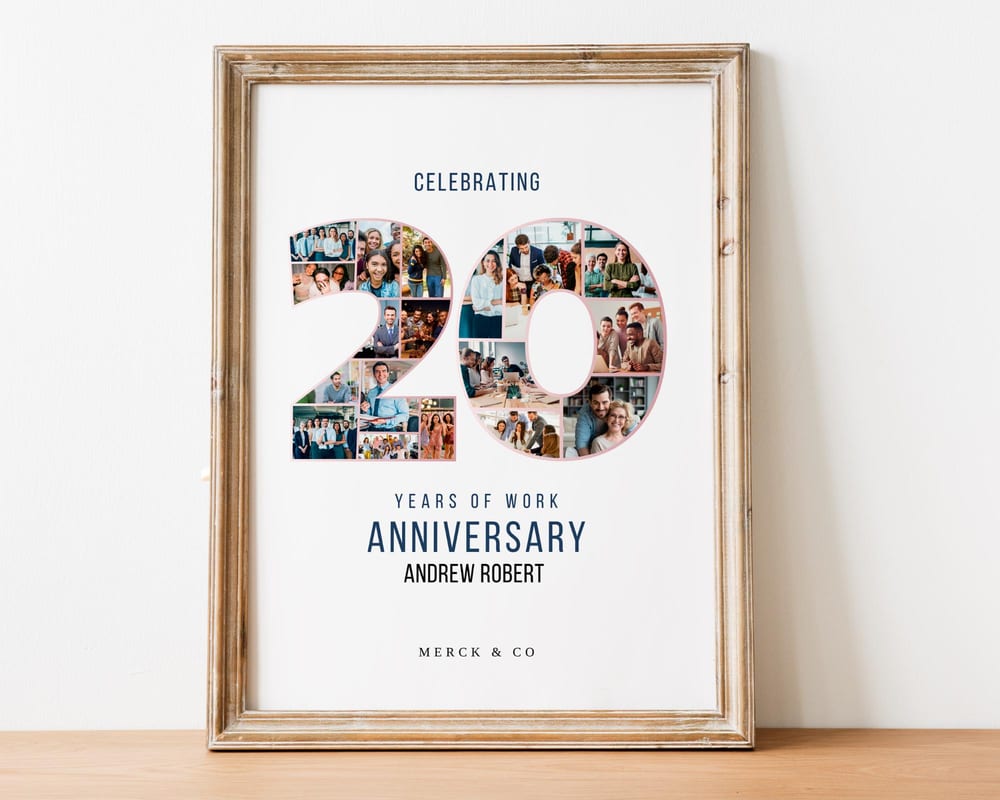
It depends on the design. As a rough guide: a heart holds ~20–40, a single-digit number ~15–25, a two-digit number (like 40 or 50) ~30–50, a letter/name ~8–15 per letter, and a grid whatever its cell count is.
The easiest approach: pick your template first — it tells you exactly how many slots there are — then gather that many photos. Every design in our shop lists its photo count.
Short a few? Repeating a favorite or leaving a slot with a solid color is fine. No one counts.
What resolution and size should the photos be?
Use the largest version of each photo you have. Phone photos and full-size camera files are plenty; screenshots, tiny social-media downloads, and heavily-compressed images are the usual culprits behind a blurry print.
Think about the slot, not the whole page. Each photo only fills a small area, so a normal-resolution photo prints crisp inside it — you don’t need professional files.
Export the finished collage at high quality (PDF Print or a large PNG) so the whole thing stays sharp at print size. More in our printing guide.
Which photos should you pick?
Keep the lighting consistent. A mix of very bright and very dark photos looks busy; a similar tone across images looks deliberate.
Vary the framing. Mix close-ups with a few wider shots so every photo doesn’t look the same — close-ups especially shine in small slots.
Tell a story. For a milestone, spread photos across the years; for a person, show different sides of them. A clear theme beats a random dump.
Mind faces near edges. Photos get cropped to fit a slot or shape, so pick ones where the subject is centered with a little room around them.
The shortcut
Start from an editable template. It sets the photo count for you, masks each image into place, and keeps the layout balanced — so “choosing photos” is the only real decision you have to make.
Once you’ve picked them, see how to make a photo collage in Canva to put it together, or browse photo collage gift ideas by occasion.
Frequently asked questions
How many photos do you need for a collage?
It depends on the design — roughly 20–40 for a heart, 15–50 for a number, and 8–15 per letter for a name. Pick your template first; it shows the exact number of photo slots.
What resolution should photos be for a collage?
Use the largest version of each photo you have. Since each image only fills a small slot, normal phone or camera photos print crisp. Avoid screenshots and heavily-compressed downloads.
How do I pick the best photos for a collage?
Choose photos with consistent lighting, mix close-ups with a few wider shots, keep subjects centered so cropping looks clean, and pick images that tell a clear story.
What if I don’t have enough photos?
You can repeat a favorite, use a solid color in a slot, or choose a design with fewer photo slots. The collage still looks complete.