How to Make a Number Photo Collage (Any Age)

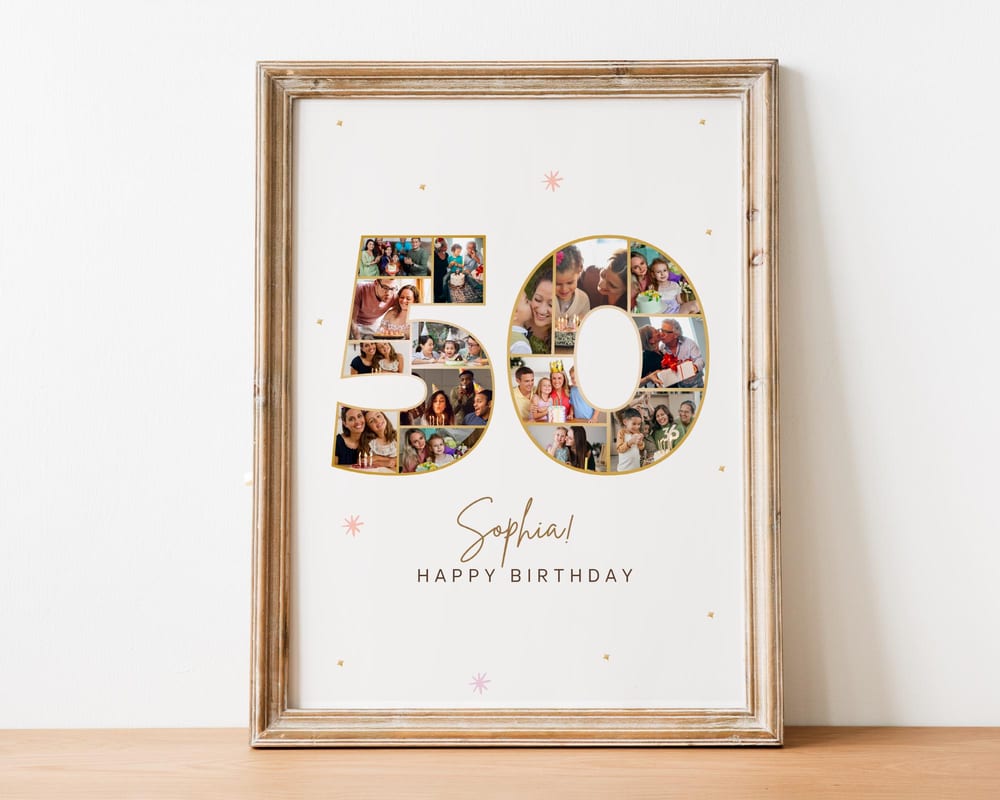
A number photo collage turns an age into a keepsake — a big “40” or “50” filled edge to edge with photos from across the years. It’s the gift people actually keep, and it’s far easier to make than it looks. This guide shows the fast way (a template) and the DIY way (from scratch in Canva).
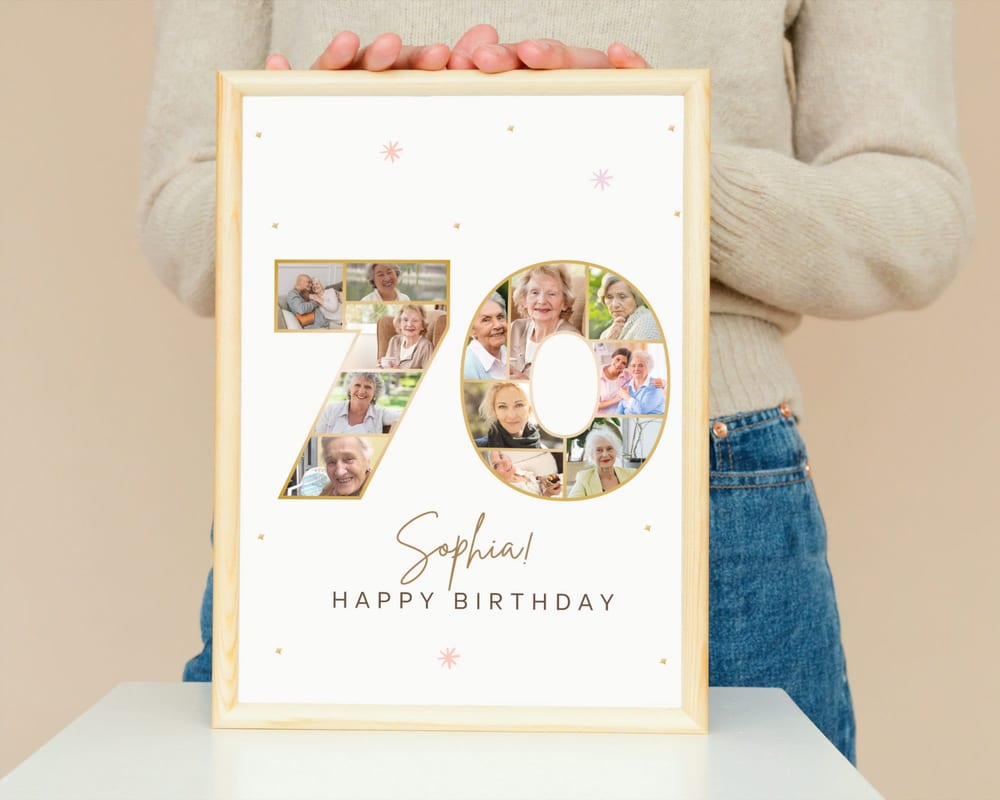
The same method works for any number: a 1st birthday, a 21st, a 30th, a milestone anniversary, or a graduation year.
The fast way: use a number template
Building a number shape from scratch means masking dozens of photos into curves by hand — slow and fiddly. A number collage template has the shape and photo slots already built. You open it in Canva, drag your pictures in, edit the name and message, and download. Ten minutes, no design skills.
Templates come pre-shaped for each digit, so a “40” already has the two number outlines ready to fill — you’re only choosing photos.
How to personalize it (4 steps)
1. Open the template in Canva. After you get the template link, click it to open your own editable copy — a free Canva account is all you need.
2. Upload your photos. Use the Uploads tab to add your pictures, then drag each one into a slot in the number. Double-click to zoom or reposition inside the shape.
3. Edit the text. Swap in the name, the age, and a short message or date.
4. Download. Export as PDF Print (or a large PNG) so it stays sharp when printed.
How many photos do you need?
It depends on the digits. A single-digit number like a “5” might hold 15–25 photos; a two-digit “40” or “50” often holds 30–50. The template shows its photo count, so you’ll know before you start.
Pick photos with a mix of eras but similar brightness — a consistent tone reads as intentional, not busy. If you’re short a few, repeating a favorite is fine; no one counts.
Great occasions for a number collage
Milestone birthdays — 18th, 21st, 30th, 40th, 50th, and beyond. See our milestone birthday gift guide for ideas.
Anniversaries — a “25” or “50” filled with photos of the couple.
Retirements & work anniversaries — years of service, shown in pictures.
Browse ready-made number & letter collage templates to start in minutes.
Frequently asked questions
How do I make a number-shaped photo collage?
The easiest way is a number collage template, which already has the digit shapes and photo slots built. Open it in Canva, drag your photos into the number, edit the text, and download.
How many photos fit in a number collage?
Roughly 15–25 for a single digit and 30–50 for two digits, depending on the design. Each template lists its exact photo count.
Can I make a collage for any age or year?
Yes — the same method works for any number, from a 1st birthday to a 50th anniversary or a graduation year like 2026.
Do I need Canva Pro to make a number collage?
No. A free Canva account is enough to open a template, add your photos and text, and export a print-ready file.