How to Make a Retirement Photo Collage (Coworker & Boss Gifts)
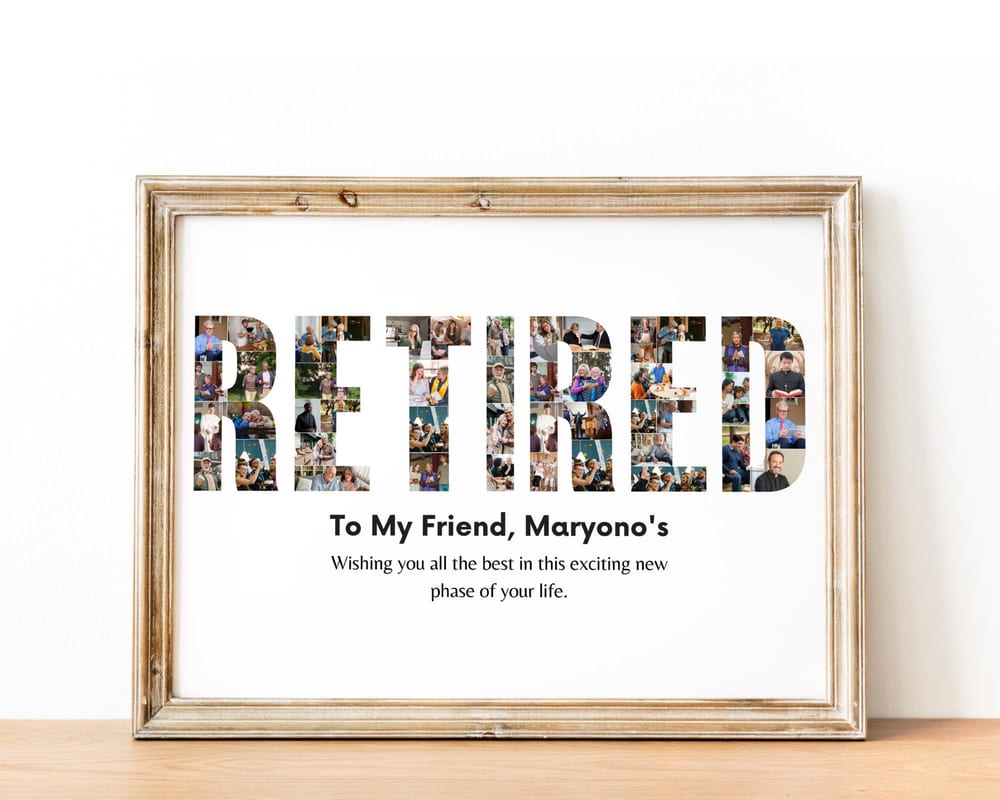
A retirement photo collage turns a whole career into one keepsake — usually a word like RETIRED, LEADER, BOSS, or TEAM spelled out from photos of the years, the projects, and the people. It’s the going-away gift coworkers actually keep, and the kind the whole office can sign. This guide shows the easy way to make one in Canva and print it for the send-off.
Choose the word
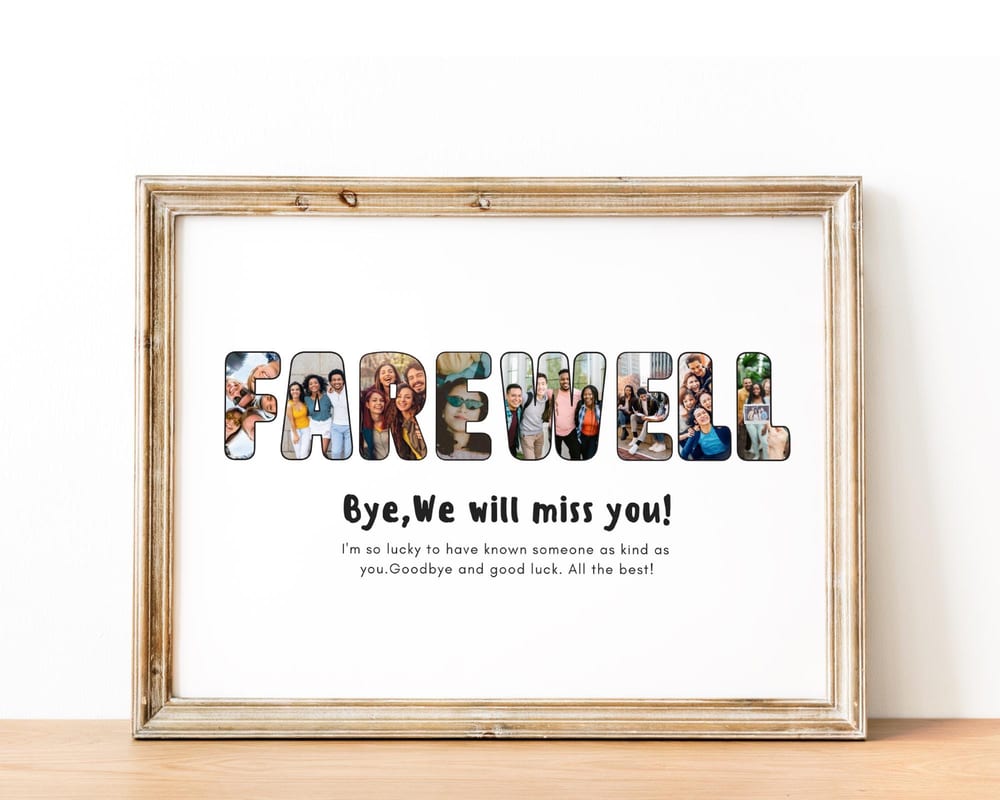
The most popular retirement collages spell out a short word tied to the person: RETIRED for the classic send-off, LEADER or BOSS for a manager, TEAM or THANKS for a coworker everyone chipped in for, or FAREWELL / WE WILL MISS YOU for a heartfelt goodbye.
Pick the word that fits the person and who’s giving it. A team gift for a beloved manager lands well as “BOSS” or “LEADER”; a card-style keepsake the office signs works great as “TEAM” or “FAREWELL.” Start from an editable retirement collage template that already has the letters shaped and ready to fill.
How to make it (4 steps)
1. Open the template in Canva. Click your template link to open an editable copy — a free Canva account is all you need.
2. Add the photos. Upload career photos, team pictures, and portraits under Uploads, then drag one into each letter’s slots. Double-click a photo to zoom or reposition it inside the letter.
3. Personalize the text. Add their name, years of service, a retirement date, or a line like “Happy Retirement” or “Thank you for everything.”
4. Download. Export as PDF Print or a large PNG so it prints sharp for framing — see the printing guide.
A gift the whole team can sign
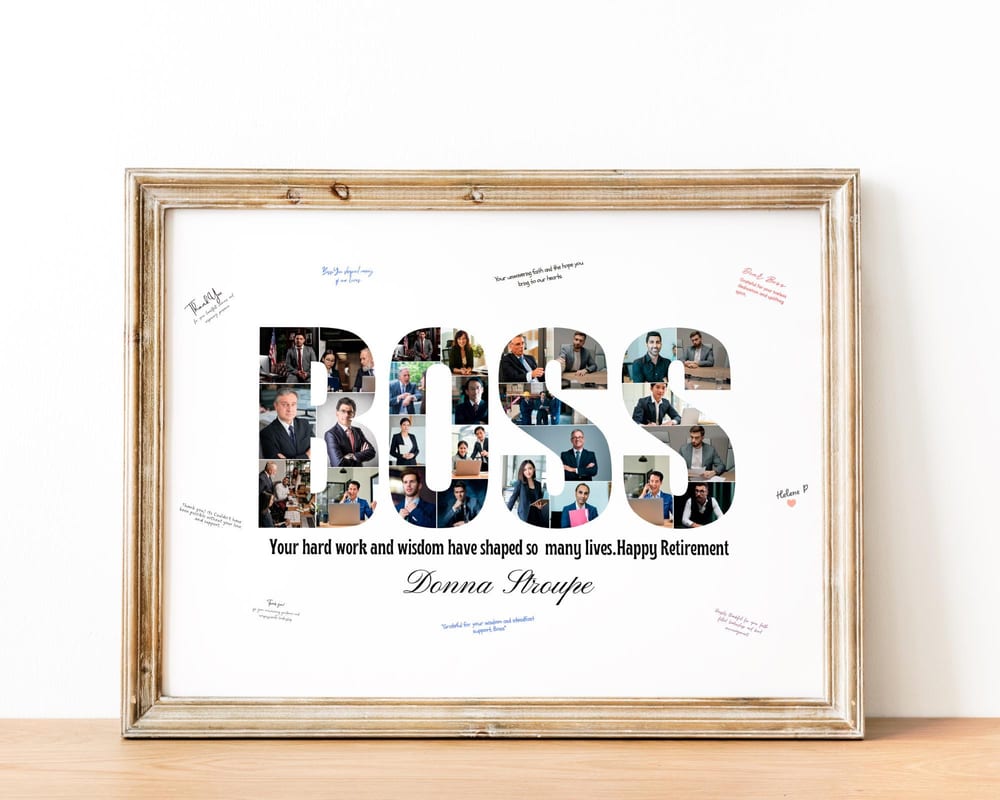
Retirement collages shine as a group gift. Print it with a wide mat or a little white space around the frame and have coworkers sign around the collage — it becomes part keepsake, part farewell card.
For a coworker — see our farewell gift ideas for a coworker for wording and more designs.
For a boss or leader — a LEADER or BOSS word design with photos from the years the team worked together.
For a whole team send-off — a TEAM or THANKS collage everyone contributes a photo to.
How many photos and which to pick
A word like RETIRED or LEADER usually holds 8–15 photos per letter — the template tells you the exact count. Spread them across the person’s career so it tells a story: early days, big projects, team trips, and the send-off.
Use the largest version of each photo you have, and keep faces centered so cropping into a letter looks clean. For the full rundown, see how to choose photos for a collage.
Frequently asked questions
How do I make a retirement photo collage?
The easiest way is a word template like RETIRED, LEADER, BOSS or TEAM: open it in Canva, drag career photos into each letter, add the person’s name and years of service, and download a print-ready file. No design skills needed.
What’s a good retirement gift from coworkers?
A word photo collage — RETIRED, LEADER, BOSS or FAREWELL — filled with photos from the years is a favorite group gift. Print it with room around the frame so the whole team can sign it.
How many photos go in a retirement collage?
A word design typically holds 8–15 photos per letter, so a word like RETIRED holds roughly 50–100 photos total. Each template lists its exact photo count.
Do I need Canva Pro to make a retirement collage?
No. A free Canva account lets you open a template, add your photos and text, and export a high-resolution file to print at no cost.