How to Make a Baby Photo Collage (Month-by-Month & First Year)
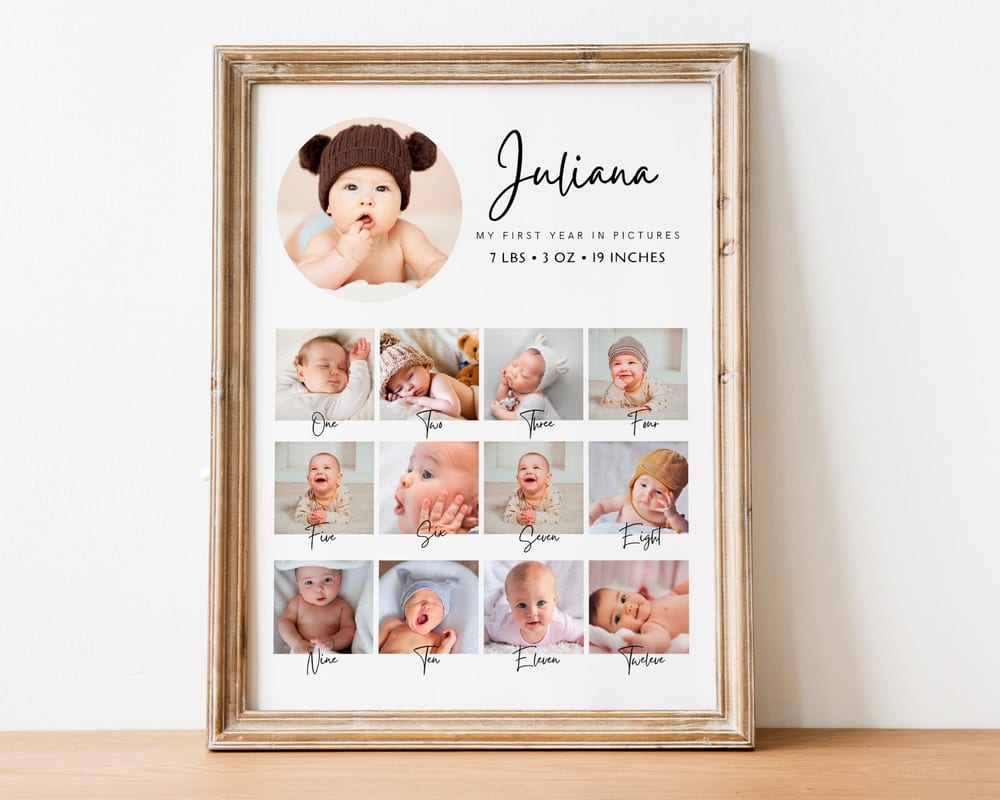
A baby photo collage turns the blur of the first year into something you can frame — the newborn shots, the monthly milestones, the first birthday, all in one keepsake. This guide covers the two most popular styles and how to make either in minutes: a month-by-month first-year grid, and a baby-shaped photo collage.
Both work from an editable template, so you don’t design anything — you just drop in your photos and print.
Pick your style
Month-by-month (first year grid). Twelve slots — one photo per month — usually with a bigger newborn photo and the baby’s name, birth stats, and date. Perfect for a first-birthday gift or nursery wall.
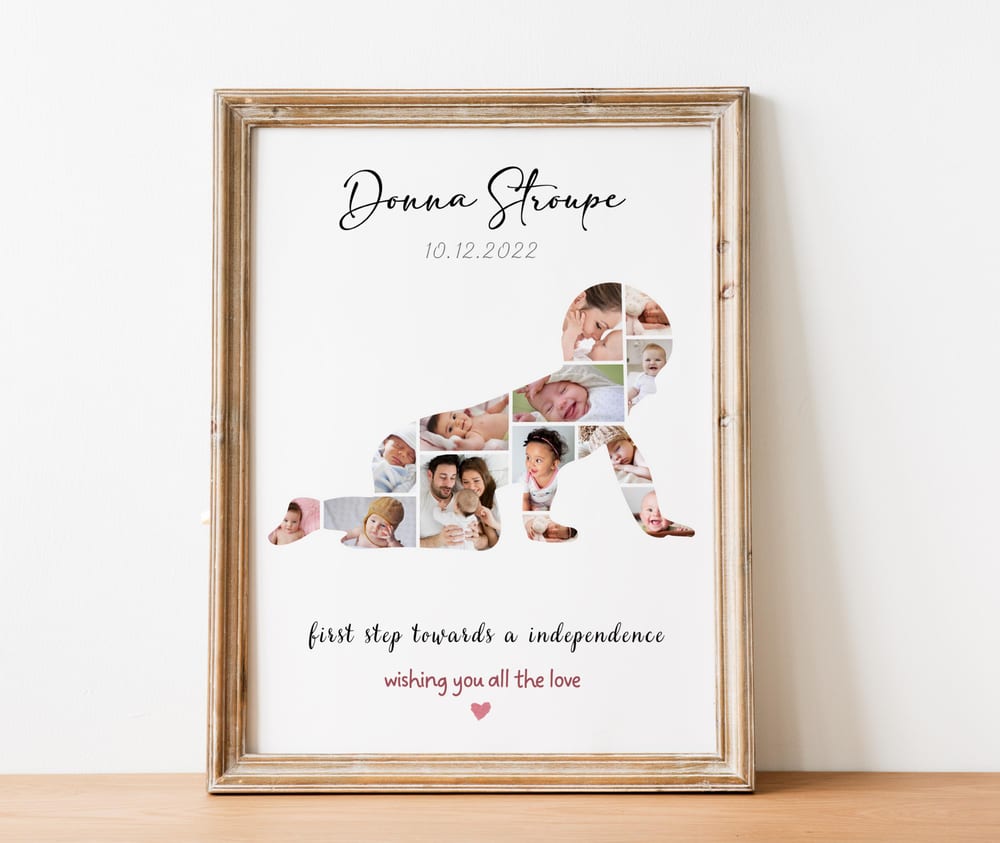
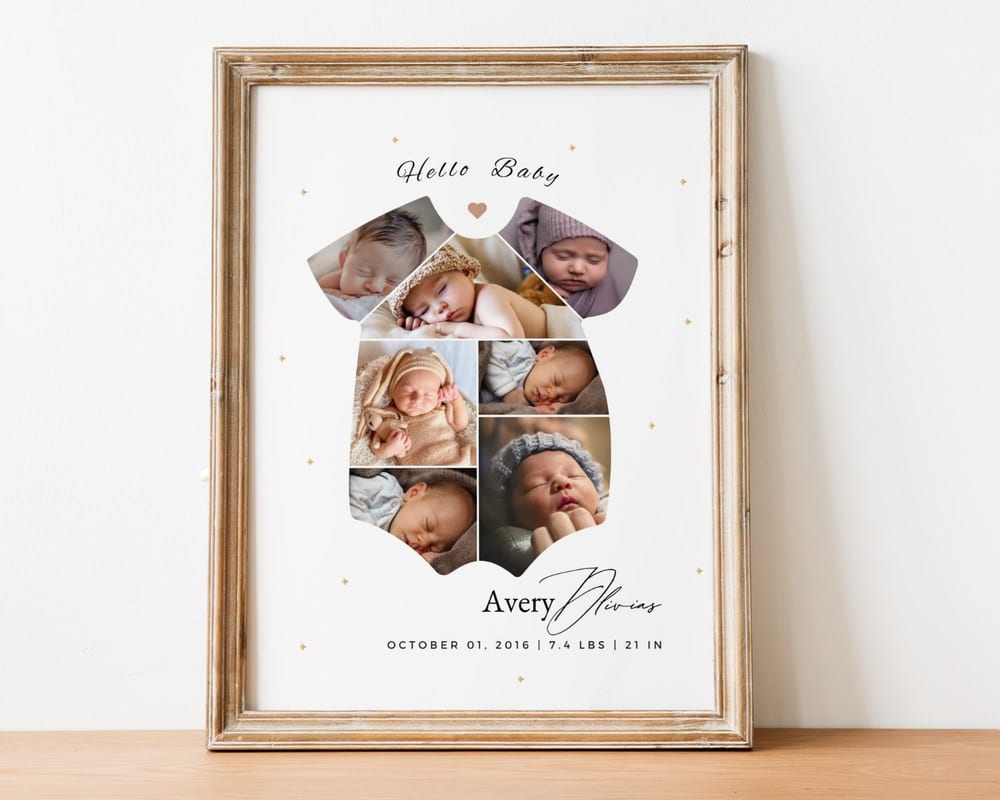
Baby-shaped collage. Your photos masked into a shape — a crawling baby, a onesie, a heart, or the child’s name. More of a statement piece.
Both start from an editable baby collage template, so the layout and slots are already built.
How to make it (4 steps)
1. Open the template in Canva. Click your template link to open an editable copy — a free Canva account is all you need.
2. Add your photos. Upload from the Uploads tab, then drag each photo into a slot. For a month-by-month design, go in order — newborn in the hero spot, then month 1 through 12.
3. Add the details. Type the baby’s name, birth date, weight and length, and a short line like “My first year.”
4. Download. Export as PDF Print or a large PNG so it stays crisp when printed for a frame — see our printing guide.
Tips for a baby collage that looks great
Shoot the monthly photos the same way. Same spot, same outfit style, or a monthly milestone card — consistency makes the grid look intentional.
Keep the tone consistent. Soft, bright, similarly-lit photos read cleaner than a mix of dark and bright shots.
Leave the newborn photo as the hero. One larger anchor photo gives the eye a place to land.
No first-year photos yet? The same templates work for a baby shower, a gender reveal, or a newborn announcement — see our baby shower photo collage ideas.
Frequently asked questions
How do I make a baby photo collage?
The easiest way is an editable template: open it in Canva, drag your photos into the slots, add the baby’s name and birth details, and download a print-ready file. No design skills needed.
How do I make a month-by-month first year collage?
Use a 12-slot first-year template and add one photo per month in order, plus a larger newborn photo and the baby’s stats. Then export and print for a frame.
How many photos are in a baby photo collage?
A month-by-month design uses about 12–14 (one per month plus a newborn hero); shaped baby collages hold more, often 20–40, depending on the design.
What size should I print a baby collage for the nursery?
A2 or 16×20 in works well for a nursery wall; 8×10 in for a shelf frame. Design at that size and export as PDF Print so it stays sharp.