How to Make a Heart Photo Collage in Canva
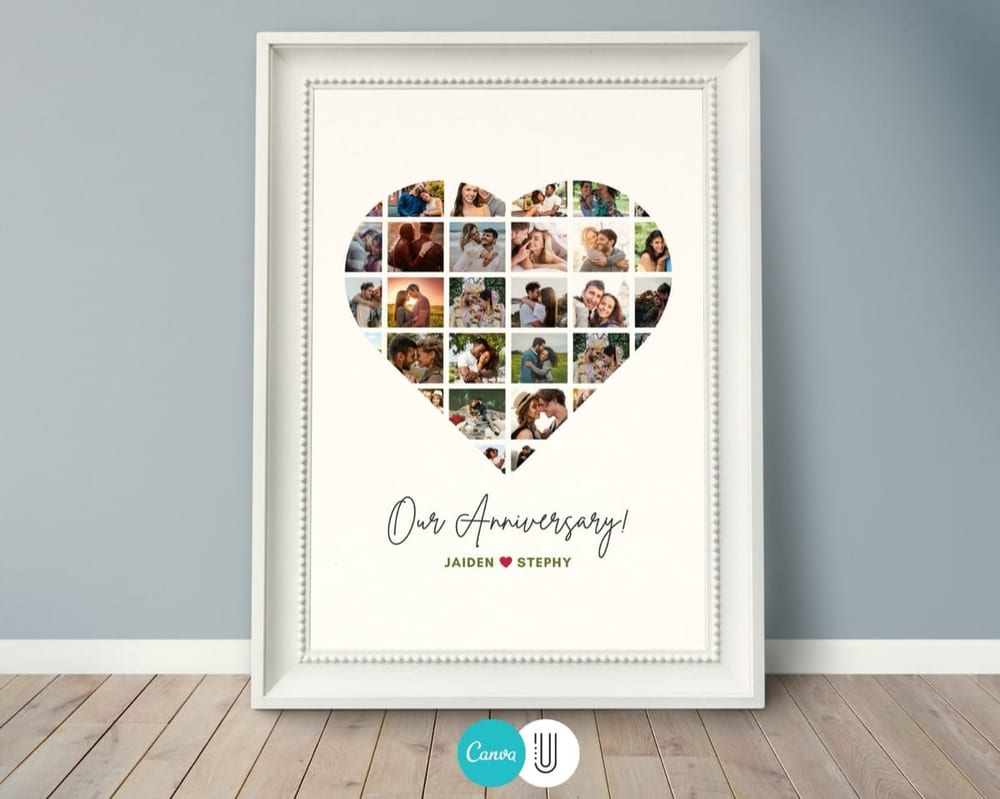
A heart photo collage arranges your favorite pictures into a heart shape — a romantic keepsake for an anniversary, Valentine’s Day, or “just because.” The trick is getting clean heart curves without spending an hour masking photos by hand. This guide shows the easy way (a template) and how to do it from scratch if you prefer.
The easy way: a heart template
Masking photos into a smooth heart is the fiddly part, and a heart collage template does it for you. The heart outline and photo slots are already built — you open it in Canva, drop your pictures in, edit the text, and download. No manual masking, no design skills.
The heart below is a template: each photo snaps into the shape automatically, so you only choose the pictures.
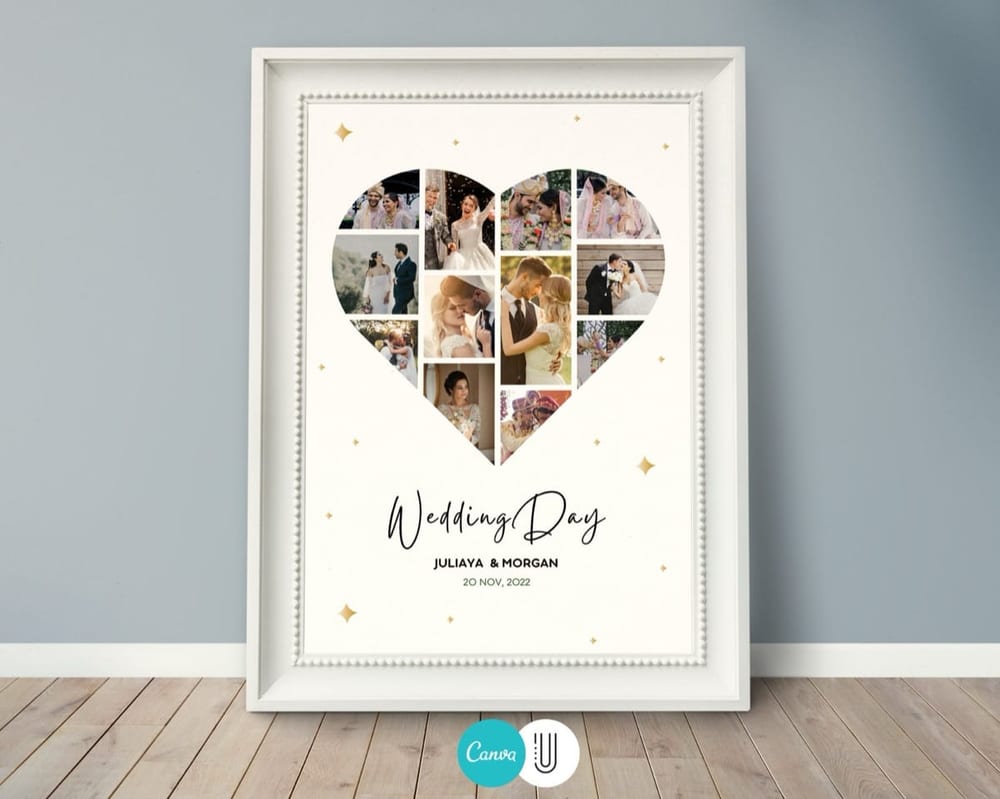
How to make it (4 steps)
1. Open the template in Canva. Click your template link to open an editable copy — a free Canva account is all you need.
2. Add your photos. Upload your pictures under Uploads, then drag each into a slot in the heart. Double-click a photo to zoom or reposition it inside the shape.
3. Personalize the text. Add names, a date, or a short message like “I choose you every day.”
4. Download. Export as PDF Print or a large PNG so it prints crisp for framing.
Prefer to build it from scratch?
You can, though it takes longer. In Canva, search Elements → heart frame or use a heart-shaped photo grid, then drag your images into each cell. For a solid heart made of many small photos, you’ll place and mask images one by one — doable, but this is exactly where a template saves the most time.
For the full walkthrough of both approaches, see our guide on how to make a photo collage in Canva.
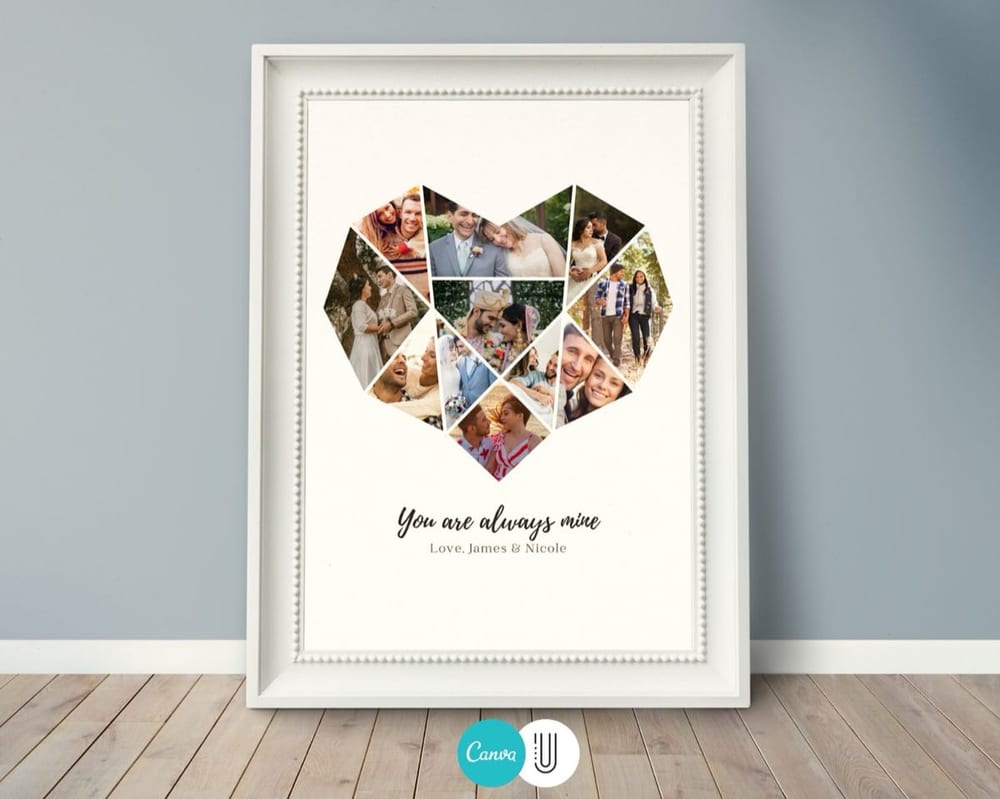
Best occasions for a heart collage
Anniversaries — one heart, filled with years of moments together.
Valentine’s Day — a personal gift that beats flowers.
Gifts for a partner, parent, or friend — anyone you want to say “I love you” to.
Browse ready-made heart & anniversary templates to finish yours in minutes.
Frequently asked questions
How do I make a heart-shaped photo collage?
The easiest way is a heart collage template that masks your photos into the shape automatically. Open it in Canva, drag your pictures into the heart, edit the text, and download.
Can I make a heart photo collage for free?
Yes. A free Canva account lets you open a template, add your own photos and text, and export a high-resolution file at no cost.
How many photos do I need for a heart collage?
Most heart collages hold around 20–40 photos, depending on the design. The template shows its photo count so you know before you start.
What’s a good heart collage gift?
Heart collages are popular for anniversaries and Valentine’s Day, and as a gift for a partner, parent, or close friend — personalized with your shared photos.